AT HOME ON YOUR MAC

Your Mac.
Within reach.

Your apps, windows, files, music, messages, and everyday controls. Together in a native space at the top of your Mac.

A MAC APP, BY NATE

INTERACTIVE SAMPLE

Face UnlockReady
Quiet HoursThe Sunday Sessions
1:31−2:43
Volume 25%
Madison ↗67°

Warmer tomorrow,
with a high of 68°

Tue5869
Wed5768
Thu5363
Fri5161
Sat4964
80%
Plugged in
50%
78%
86%
LOCK SCREEN WIDGETS

Now Playing, weather, and batteries before you sign in.

Hover over the Island to open it. Click to keep it open.Tap the Island to open it.

Interactive sample · simulated data

THE REAL THING

Straight from a Mac.

See the gallery

A SMALL SPACE. A LOT WITHIN REACH.

More of your Mac.
Less reaching around.

From the next song to the next task,
keep the things you use together.

01 / MUSIC & AUDIO

Stay with the song.

See what’s playing, scrub through a track, skip ahead, and choose an audio output. Music stays close while you work.
Now Playing · Playback · Audio output
02 / APPS & WINDOWS

Find your place.

Move between recent apps, see your open windows, and keep useful windows on a shelf. Bring the right thing forward without hunting for it.

Recent apps · Window Activity · Window Shelf
03 / FILES

Keep work moving.

Pin files and folders, browse inside them, search, and Quick Look a file. Copy, move, or drag items into your next task. The optional Finder integration brings your pinned collection into Finder, too.

Pinned collection · Folder browsing · Quick Look · Finder
04 / YOUR WIDGETS

A glance that’s yours.

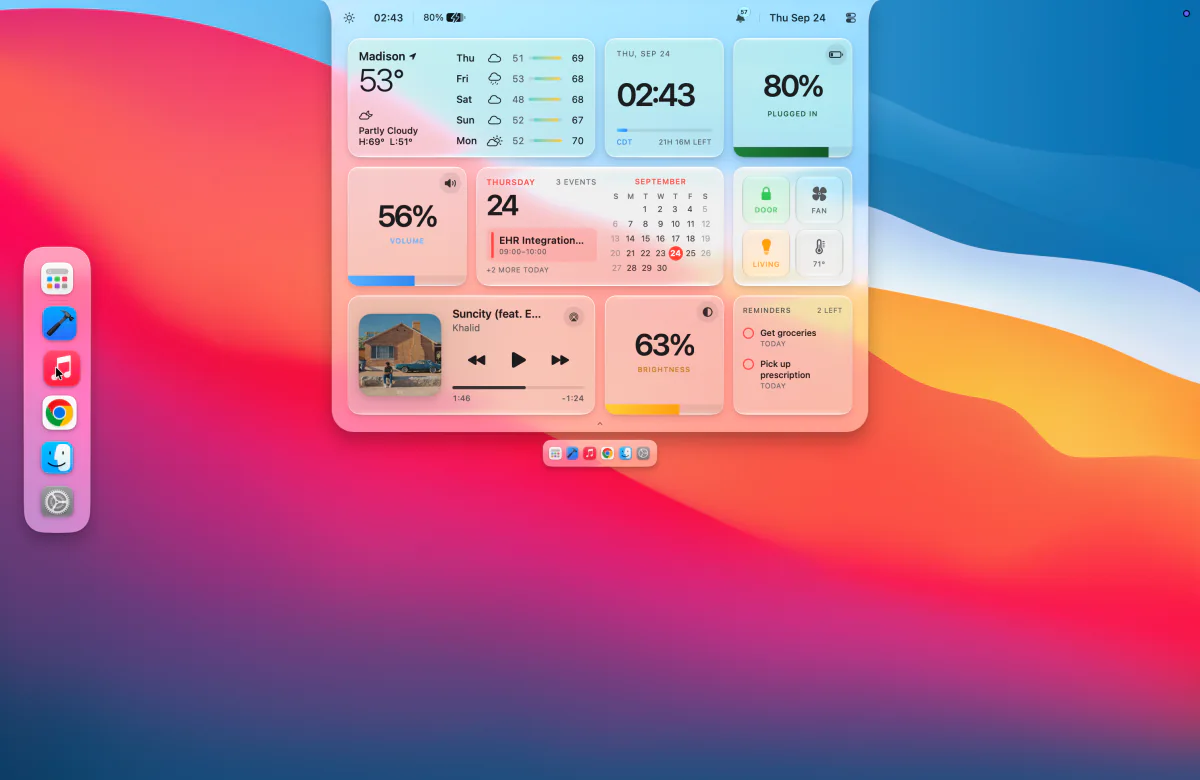
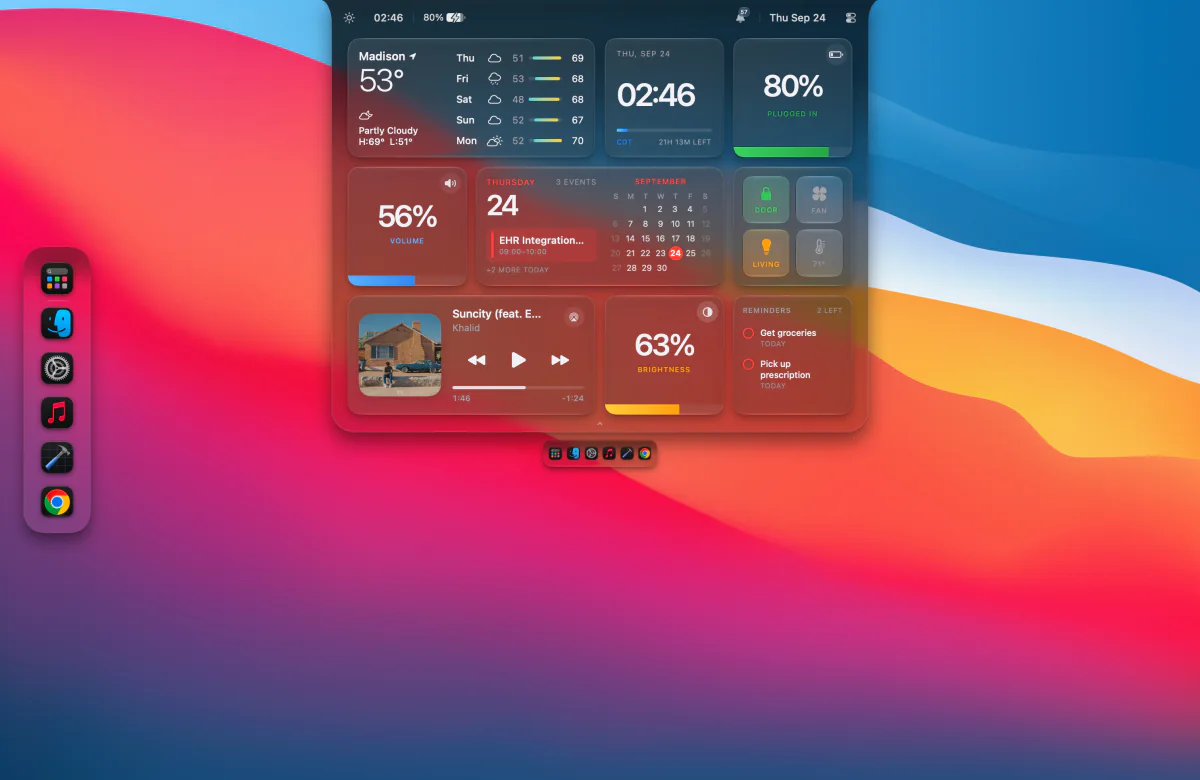
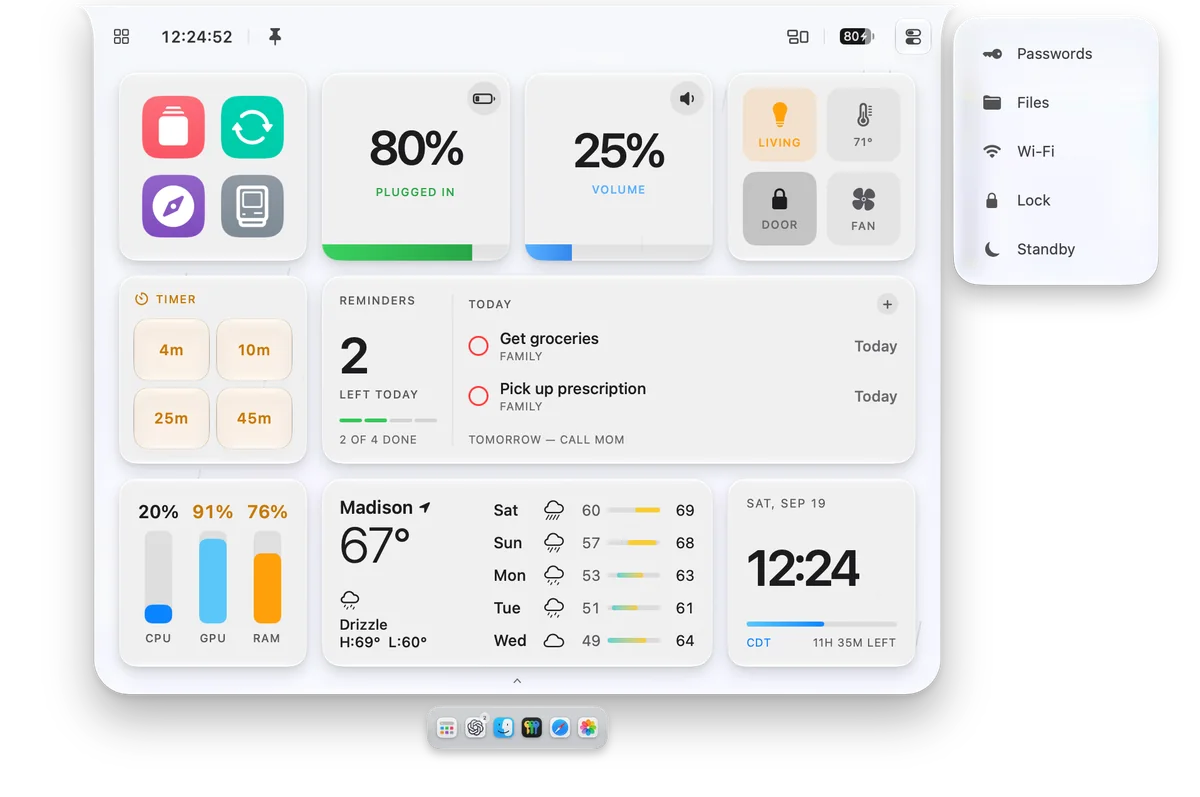
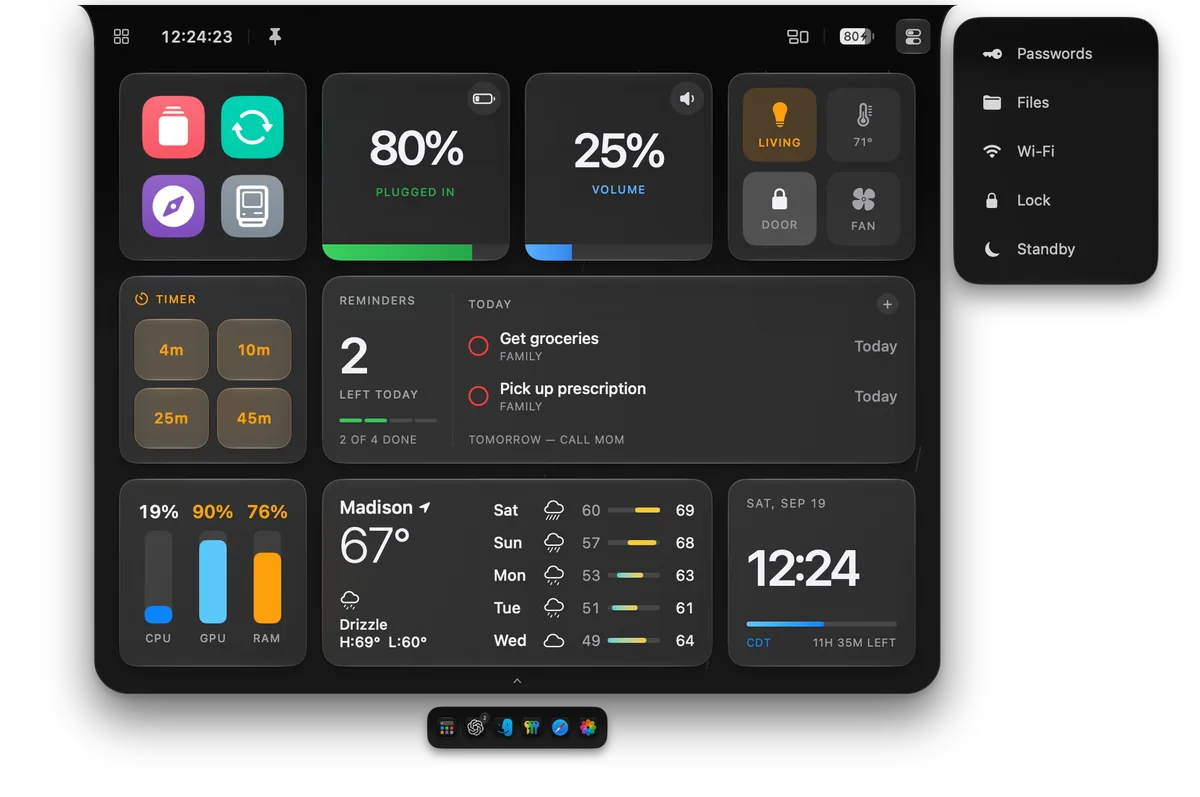
Weather, your calendar, reminders, music, and more. Resize and rearrange widgets, name your own pages, mix in actions and recent apps, or expand the carousel into a dashboard.

13 widgets · Custom pages · Flexible sizes
05 / MESSAGES & CALLS

Stay in the conversation.

Read and reply to Messages, reach Phone and FaceTime call controls, and revisit notification history. The Island makes room for what comes in.

Quick replies · Call controls · Notification history
06 / EVERYDAY ACTIONS

Make it a one-step thing.

Build your own tiles for apps, websites, and Apple Shortcuts. Start a timer, mute audio, switch Low Power Mode, lock your Mac, or start the screen saver. Choose each tile’s icon, color, and label.

Custom actions · Apple Shortcuts · System controls

Fourteen ways to make it yours.

Mix, resize, and arrange.

Your day

  • Weather
  • Today
  • Clock
  • Teams
  • Timer
  • Reminders

Your Mac

  • Battery
  • System Vitals
  • Volume
  • Brightness

Your flow

  • Now Playing
  • Shortcuts
  • Clipboard

Today brings your calendar together. Clock opens a calendar view. Teams keeps meeting context close. Clipboard remembers copied items, and Reminders lets you check things off.

AND THERE’S MORE INSIDE

The details add up.

07 / XCODE

Keep up with Xcode.

Choose a project, scheme, and destination; build, run, test, and stop. Follow progress in the Island or trigger actions with Apple Shortcuts.

Build · Run · Test · Shortcuts
08 / FACE UNLOCK · EXPERIMENTAL

Look up, and you’re in.

An optional camera-based unlock workflow, with local face enrollment and its own setup. It is not Apple Face ID.

Local enrollment · Optional · Its own setup

Passwords, close by

Import from Apple Passwords, unlock with Touch ID, and copy logins or verification codes.

Your connections

Wi-Fi, Bluetooth devices, volume, and audio routing in the same familiar space.

Your Mac, at a glance

See CPU, GPU, memory, battery, and charging status. Adjust volume and display brightness directly from their widgets.

More ways to reach your apps

Search your apps in Launchpad, or reveal a recent-apps dock from the left, right, or bottom edge of your display.

Glances on the lock screen

See Now Playing, weather, Mac and accessory batteries, and optional Face Unlock status with lock-screen widgets.

Fits your setup

Light, dark, or clear glass. Pin the Island open or reveal it on demand, with custom page layouts, hover timing, and per-display preferences.

Keep your hands on the keys

Assign global keyboard shortcuts to open or pin the Island, jump to a page, or reach files, windows, passwords, and notifications.

A moment for your accessories

Connection cards show when supported audio accessories connect or disconnect, with earbud and case battery levels when available.

Choose the integrations you use. Features such as Messages, calls, and notifications need their corresponding permissions or setup.

N8Island app icon

MADE TO FEEL AT HOME

A little island.
A better everyday.

Free for 48 hours. Then $9.99, once, for one Mac.

Get N8Island